
Select
Choose the permitted record set, reporting period and branch scope.
Move supported records through scoped CSV tools.
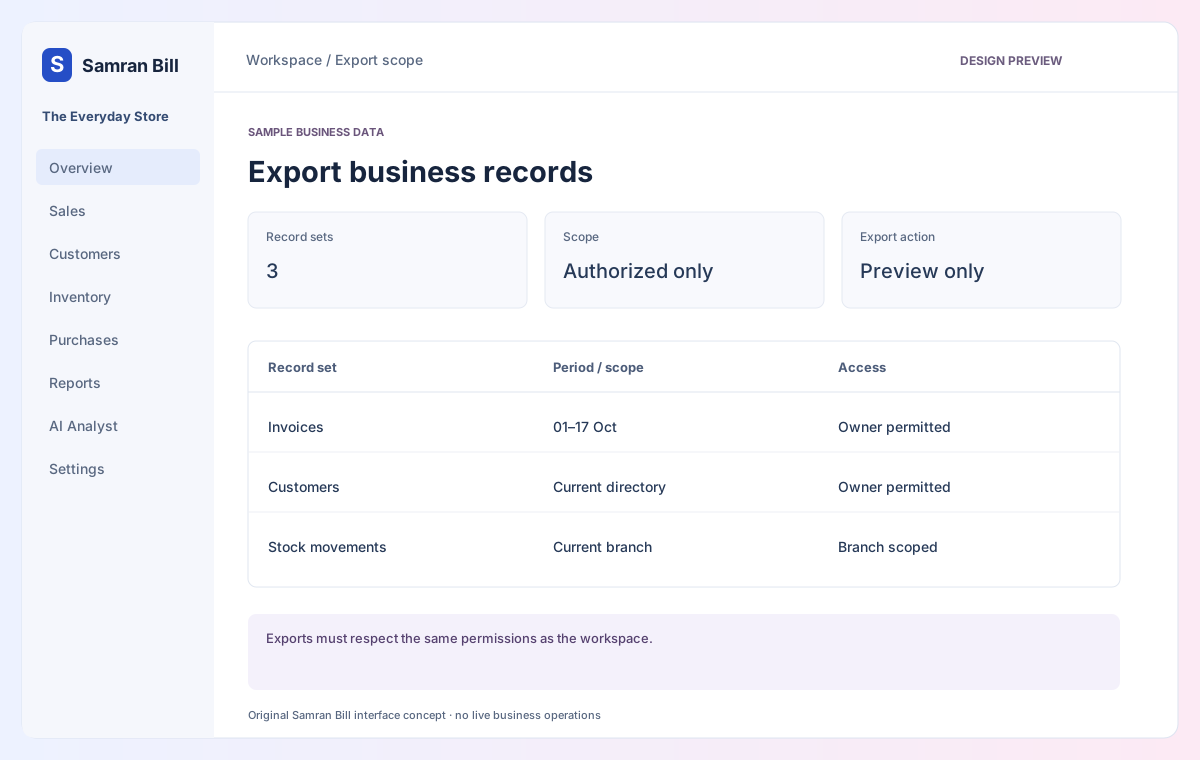
Prepare master records and historical archives, review validation and export permitted data. A universal connector to other accounting software is not implemented.
Choose the permitted record set, reporting period and branch scope.
Prepare a private export with expiry and an attributed job history.
No. Export authorization must enforce the same tenant, role and branch boundaries as the working screens.
Exports must respect the same permissions as the workspace.
No live export or connector runs from this demonstration.
Interactive design preview · no live billing backend, AI inference, account creation, uploads or payment. Switching views changes sample content only. Download the original screen design ↗