
Order versus receipt
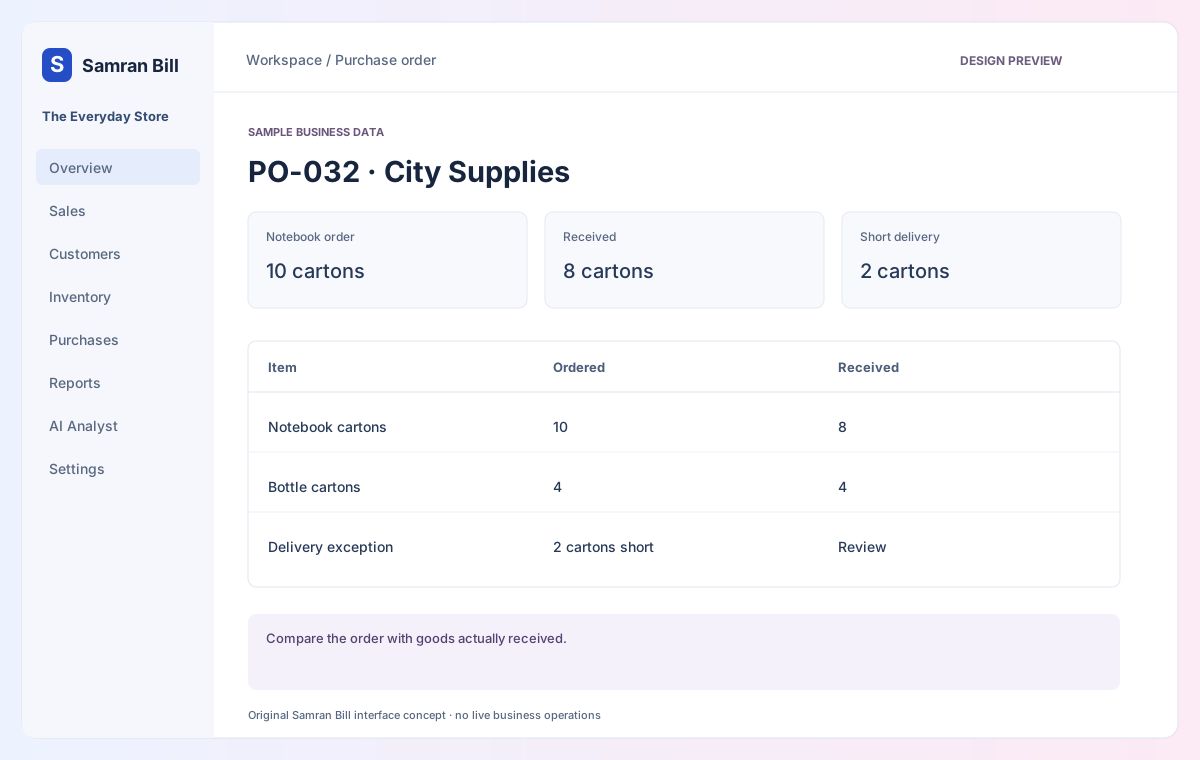
Ten cartons ordered; eight received. Keep the two-carton shortage visible.
Connect supplier orders, receipts and bills.
8
4
Review
Compare the order with goods actually received.
None
+8 cartons
No second stock entry
A supplier bill must not duplicate a goods receipt’s stock movement.
Interactive design preview · no live billing backend, AI inference, account creation, uploads or payment. Switching views changes sample content only. Download the original screen design ↗
Compare what was ordered with what arrived and what was billed. Keep supplier balances and due dates visible.
Ten cartons ordered; eight received. Keep the two-carton shortage visible.
Match the supplier bill without increasing stock for the same delivery twice.
Record the actual receipt, preserve the outstanding quantity and review the supplier’s bill against it.